

As described in architecture overview, there are two completly different API surfaces, one from device's side, other for users. Additionally in Azure each service has to be authorized to access resources in it's own resource group. Application (API server) itself has to get authorized to access administrative endpoints of cloud. Not only that, devices also have to identify themselves before they can request access token.
In total, this system has 7 different authentication keys, this document explains each of them, going from left to rigth.


Device identity
Section titled “Device identity”There are three phases in a device's life: getting born at the factory, introducing itself to the cloud, and being claimed by a user.
A weather station is manufactured without any knowledge of who will own it or where it will end up. Despite that, it needs to securely send data to the cloud and eventually get linked to a specific user. This page describes how that works.
Structure of device ID
Section titled “Structure of device ID”Every device gets a unique ID during manufacturing. The ID is generated offline (no database check, no internet connection) and is still guaranteed to be globally unique.
This works by packing structured data into the ID itself.
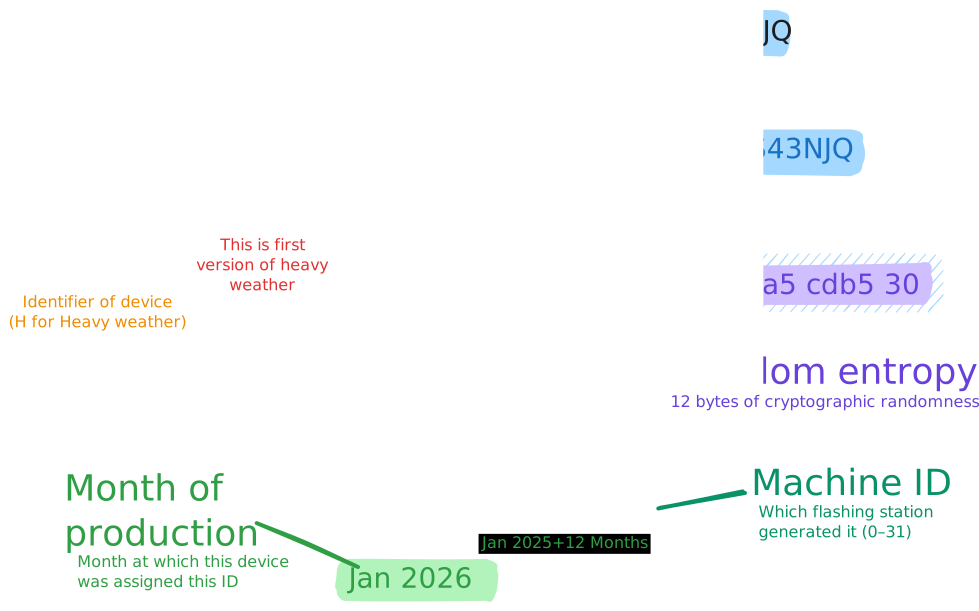
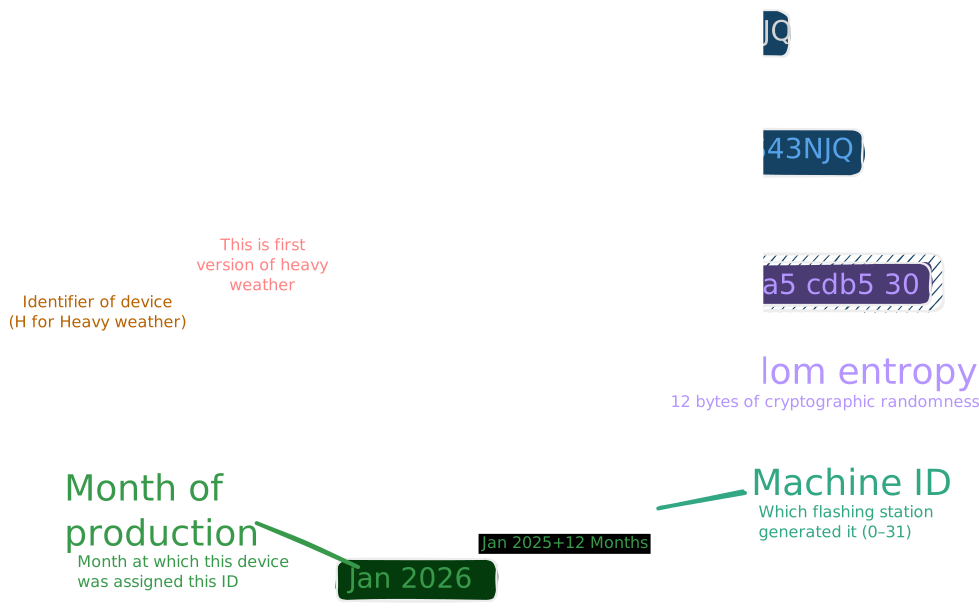
The combination of machine ID, time, and randomness makes collisions practically impossible. Two different flashing stations can generate IDs at the same time and they will still be different.
The random entropy shown in the previous diagram is derived from a mnemonic seed. The same seed also produces 12 BIP39 words, which get printed on the device during manufacturing (more in [User claiming](#User claiming)).
These words serve as a fallback for claiming. The primary way to claim a device is scanning its QR code, but if that isn't possible, the user can type the words manually instead. Because the device ID is derived from the same seed, the words carry enough information to reconstruct it, so the user doesn't need to write it.
Two tokens
Section titled “Two tokens”
Devices use two different tokens to talk to the cloud, each with a different purpose and lifetime.
Provisioning token
Section titled “Provisioning token”The first token is created at the factory alongside the device ID. It's a JWT signed with a factory private key and it contains the device ID as its subject. This token has no expiration, it lives on the device permanently.
Its only purpose is to let the device introduce itself to the cloud for the first time. The device presents this token when it registers, and the cloud responds with a permanent secret (an HMAC key). After that first exchange, the provisioning token is still used to request short-lived access tokens to prevent spam, but it alone is not enough to send data.
Example
Header:
{"alg": "RS256","typ": "JWT","kid": "provisioning-access-token"}Payload:
{"aud": "provisioning-api","sub": "H1-AGAQEZML3D772QT4UKS43NJQ","iss": "https://example.azurestaticapps.net/provisioning","typ": "provisioning"}Access token
Section titled “Access token”The second token is short-lived (24 hours) and carries specific permissions. To get one, the device signs a request using the HMAC secret it received during registration. The provisioning service verifies that signature and issues a fresh access token.
This access token is what the device uses for everything else like sending telemetry or requesting a claim code. It contains a roles field that controls what the device is allowed to do. A device can only send weather data if it has the weather-telemetry-write role, which is granted only after the device has been claimed by a user.
Example
Header:
{"alg": "RS256","typ": "JWT","kid": "device-access-token"}Payload:
{"aud": "weather-api","exp": 1773168407,"iat": 1773082007,"iss": "https://example.azurestaticapps.net/device","jti": "046f3484-7e02-4fcf-8099-7d63db983763","nbf": 1773082007,"roles": ["weather-telemetry-write"],"sub": "H1-AGAQEZML3D772QT4UKS43NJQ","typ": "device"}Application identity
Section titled “Application identity”
The application (the API server) sits between users and the cloud services. It needs credentials of its own to reach CosmosDB and the provisioning service.
Cosmos DB - connection string
Section titled “Cosmos DB - connection string”The application connects to Cosmos DB using a shared connection string. The string contains the account endpoint and a primary key, and it's injected through configuration at startup.
Provisioning service - OAuth2 client credentials
Section titled “Provisioning service - OAuth2 client credentials”When the application needs to talk to the provisioning service (for example, to forward a device claim request), it authenticates as itself, not as a user or a device.
It uses the OAuth2 client credentials flow against Azure AD. At startup, the application is configured with a tenant ID, client ID, and client secret. Before each outgoing request to the provisioning service, it exchanges those credentials for short-lived bearer token scoped to the provisioning service's app registration.
User identity
Section titled “User identity”
Users authenticate through the identity provider (IAM). When a user logs in, the IAM issues a JWT that the frontend includes in every request to the application.
The application validates these tokens using standard OpenID Connect.
After JWT validation, the application extracts the user's email and name from the token claims and creates a matching record in its own database.
Gateway as the trust boundary
Section titled “Gateway as the trust boundary”The API gateway validates every token before any backend service sees the request. If anything is wrong, the request is rejected at the gateway, not at the service.
After validation, the gateway forwards the request. Backend services trust the gateway and never parse or validate device tokens themselves.
This separation keeps backend services clean. Neither service has to deal with device authorization.
This mechanic is explained in cloud architecture section.
Authorization flow on example
Section titled “Authorization flow on example”This section walks through the entire lifecycle from a fresh device to sending weather data. Every endpoint and payload shown here uses the same device ID (H1-AGAQEZML3D772QT4UKS43NJQ).
1. Device registration
Section titled “1. Device registration”

A device boots for the first time and connects to the internet. It carries the provisioning token from the factory. Using that token as its Bearer credential, it introduces itself to the cloud:
POST /provisioning/H1-AGAQEZML3D772QT4UKS43NJQ/registerAuthorization: Bearer <provisioning-token>The provisioning service validates the token's signature and registers the device. The response contains an HMAC secret that the device stores permanently:
{ "data": { "hmac_secret": "f8a1c3e9b204d7...a6c0" }}At this point the device has two credentials: the original provisioning token and the new HMAC secret.
2. Token request
Section titled “2. Token request”
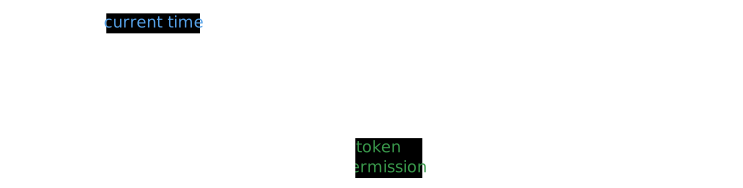
The device now needs a short-lived access token. To get one, it signs a message with the HMAC secret it just received. The message combines the device ID and a current timestamp:
HMAC-SHA256("H1-AGAQEZML3D772QT4UKS43NJQ:1763756825", hmac_secret)The resulting signature is sent alongside the timestamp:
POST /provisioning/{deviceId}/tokenPOST /provisioning/H1-AGAQEZML3D772QT4UKS43NJQ/tokenAuthorization: Bearer <provisioning-token>{ "timestamp": 1763756825, "signature": "ae78e24aecf46004d51fd1998de507ee668b2fa17aa32598e8f8de3f1a3bab86"}The provisioning service verifies the provisioning token, recomputes the HMAC, and checks that the timestamp is recent. If everything matches, it returns an access token.
3. User login
Section titled “3. User login”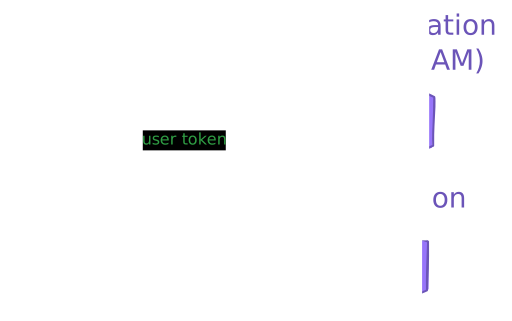
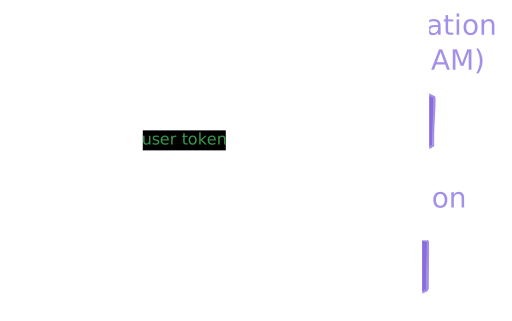
On the user's side, the flow is a standard OIDC login through the identity provider. After authenticating, the user's browser holds a JWT that it sends with every request to the application API. There is nothing device-specific about this step.
4. Claim code generation
Section titled “4. Claim code generation”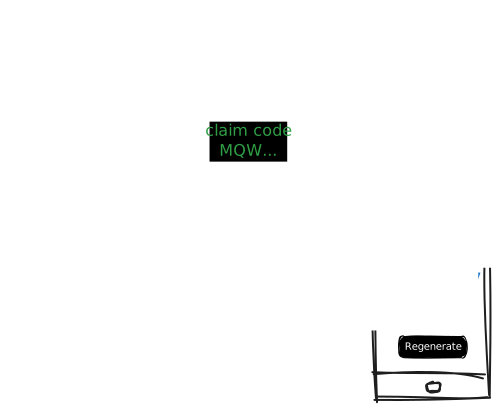
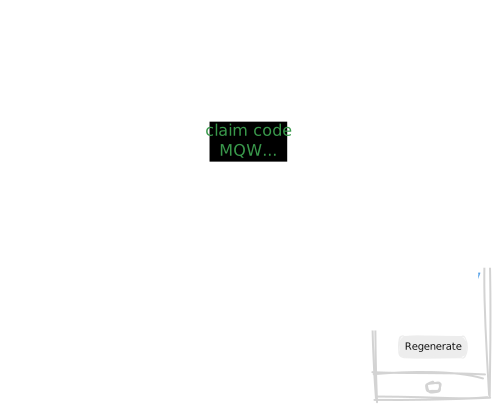
The user presses a button on the device's local Wi-Fi configuration page. The device then requests a temporary claim code from the provisioning service:
POST /provisioning/{deviceId}/claim-codePOST /provisioning/H1-AGAQEZML3D772QT4UKS43NJQ/claim-codeAuthorization: Bearer <access-token>The service generates a short alphanumeric code (for example, MQWYJH9U7) and stores it with an expiration. The device displays this code to the user.
5. User claims the device
Section titled “5. User claims the device”

The user opens the web application and provides two things:
- Mnemonic key — the 12 BIP39 words printed on the device during manufacturing.
- Claim code — the temporary code the device just displayed.
The mnemonic key proves long-term physical access to the device. The claim code proves that the user is standing in front of it right now, because the code is short-lived and only visible on the device's screen.
The frontend sends both to the application API:
POST /api/v1/devices/{deviceId}/claimPOST /api/v1/devices/H1-AGAQEZML3D772QT4UKS43NJQ/claimAuthorization: Bearer <user-jwt>{ "key": "account around kingdom deal engine pudding parade another calm juice pig burst", "claimCode": "MQWYJH9U7"}The application first verifies the mnemonic key against the device ID (the key and the ID are derived from the same seed, as described in Structure of device ID). If the words match, it forwards the claim to the provisioning service using its own OAuth2 credentials:
POST /provisioning/{deviceId}/claimPOST /provisioning/H1-AGAQEZML3D772QT4UKS43NJQ/claimAuthorization: Bearer <application-token>{ "user_id": "d501355b-5592-406b-9bbb-d82f694bd5f5", "claim_code": "MQWYJH9U7"}The provisioning service validates the claim code and marks the device as claimed.
6. Sending data
Section titled “6. Sending data”

The device is still running with its old access token, which doesn't carry write permissions. To pick up the new role, it restarts its normal operating cycle and requests a fresh token using the same HMAC flow described in Token request.
This time, because the device is claimed, the provisioning service issues a token that includes the weather-telemetry-write role. The device can now send weather measurements to the API gateway.